Guided meditation without pressure
Short and longer sessions help you settle into focus, gratitude, emotional balance or self-kindness. Start wherever your day actually is.
Meditation & mindfulness app
Mellow Forest gives you guided meditations, breathing timers, sleep soundscapes, mood notes and gentle reminders without turning calm into another task.
Features
Short and longer sessions help you settle into focus, gratitude, emotional balance or self-kindness. Start wherever your day actually is.
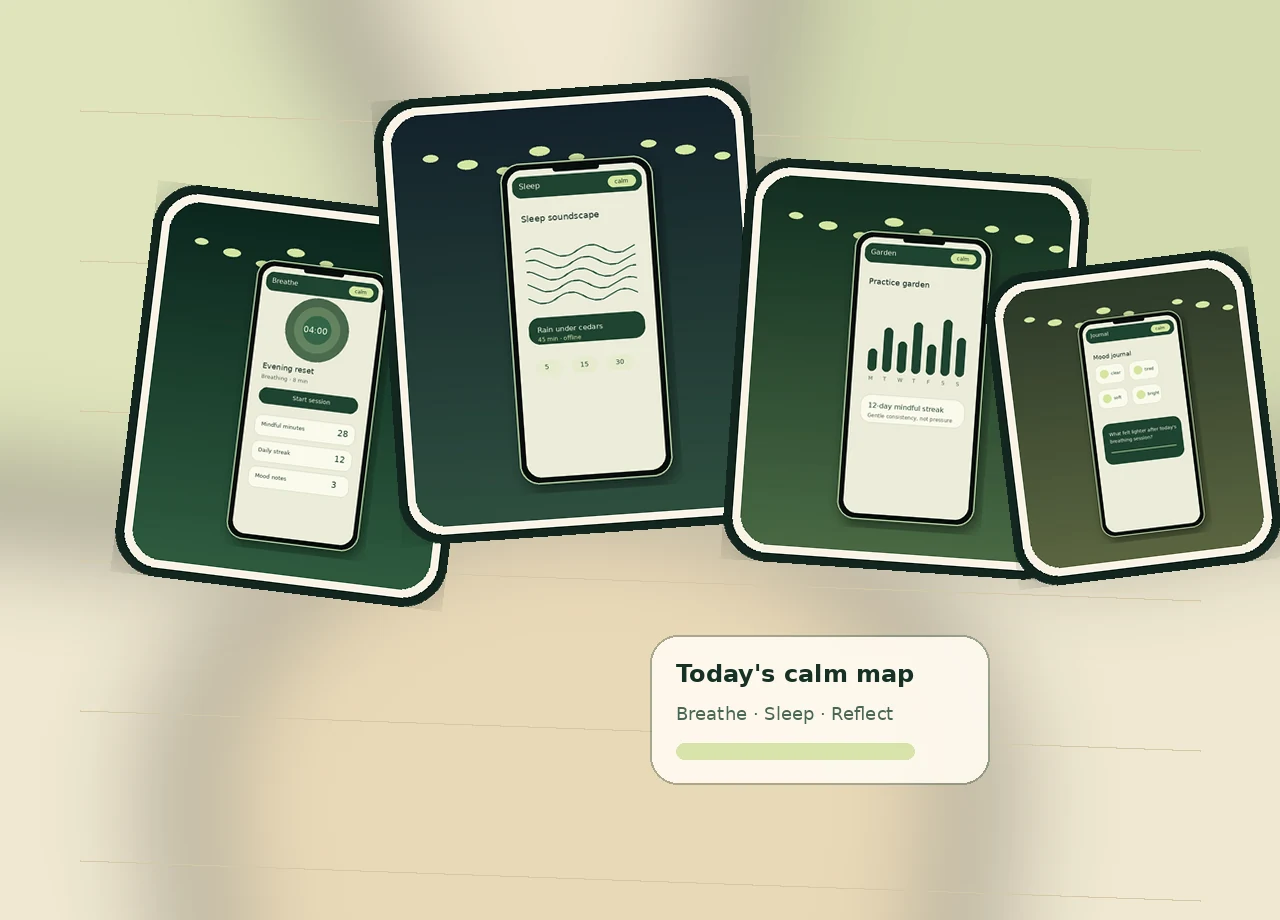
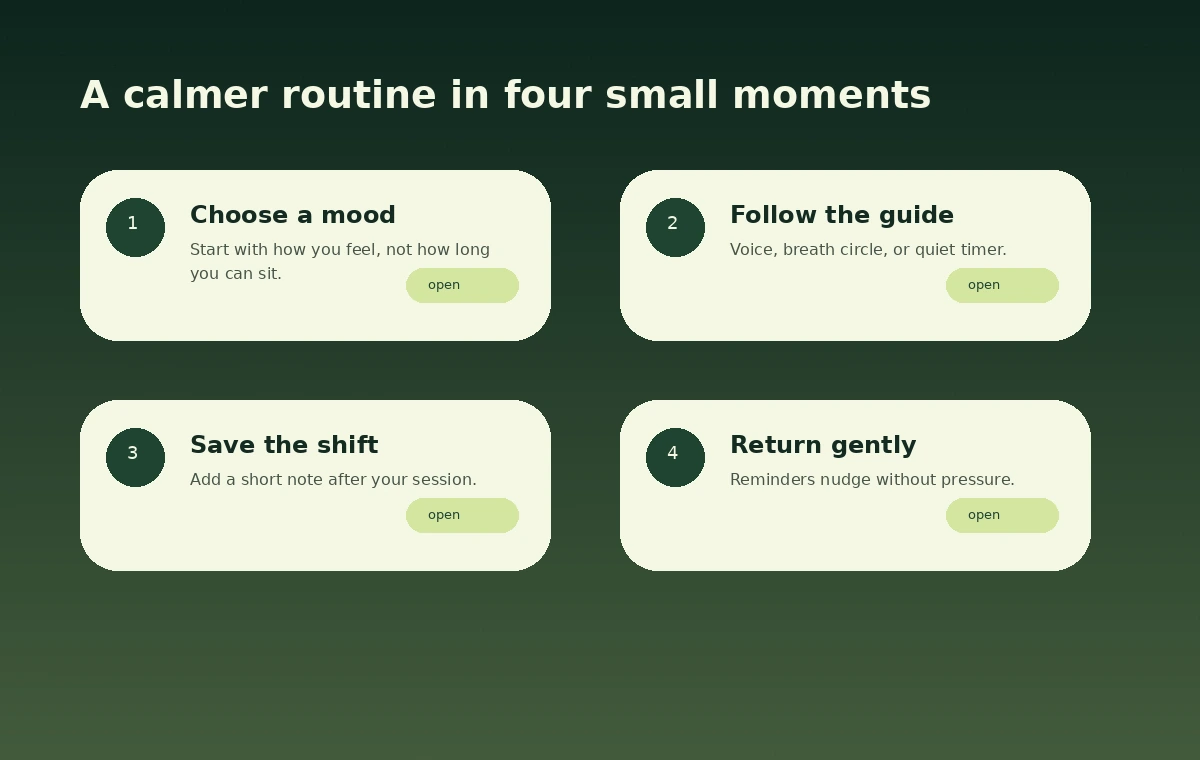
A soft expanding circle gives your attention a simple rhythm when you do not want another long explanation.
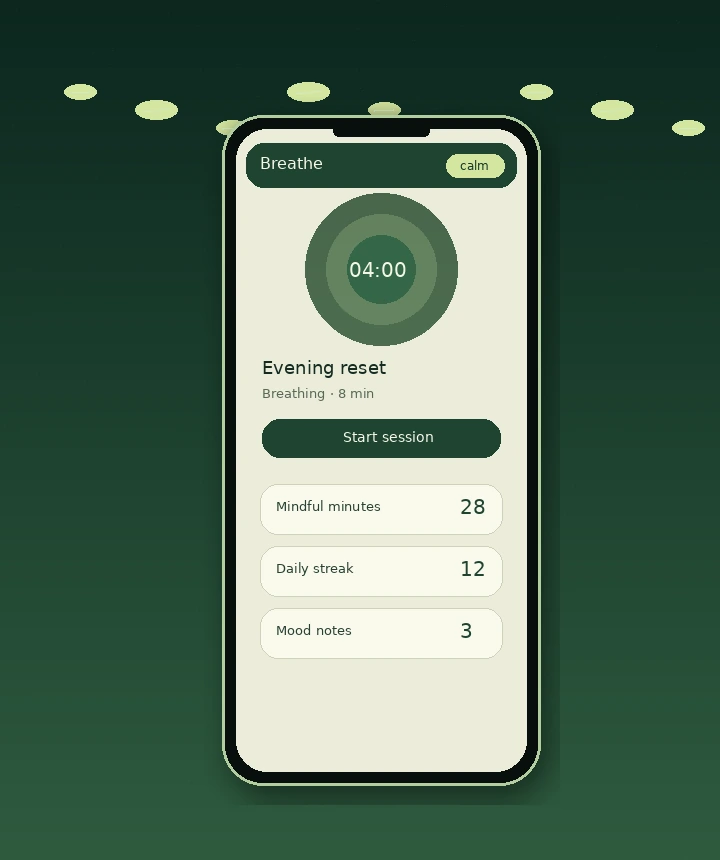
Rain, leaves, low wind and slow sleep sessions help you move away from scrolling and toward rest.
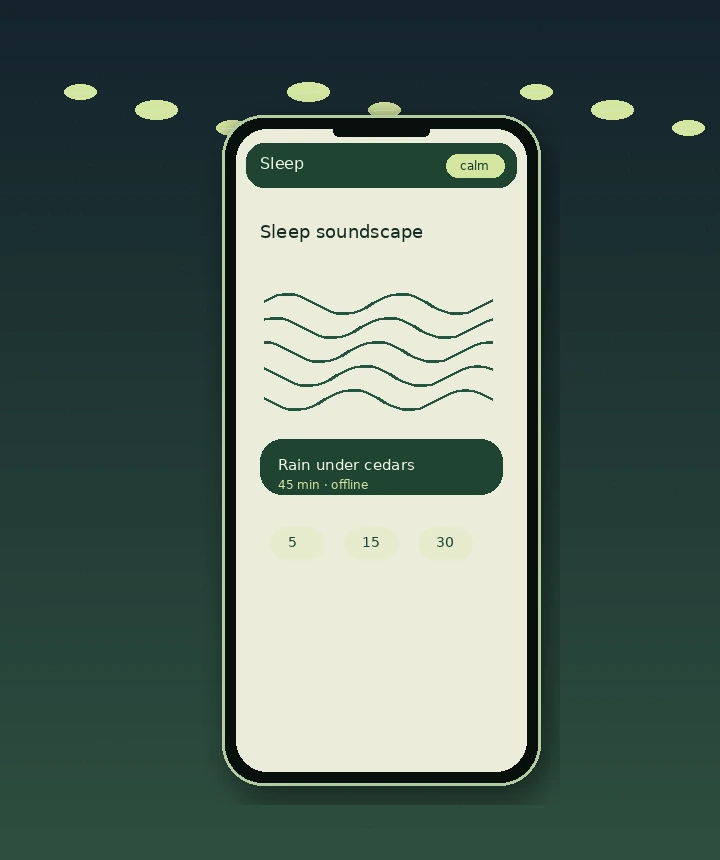
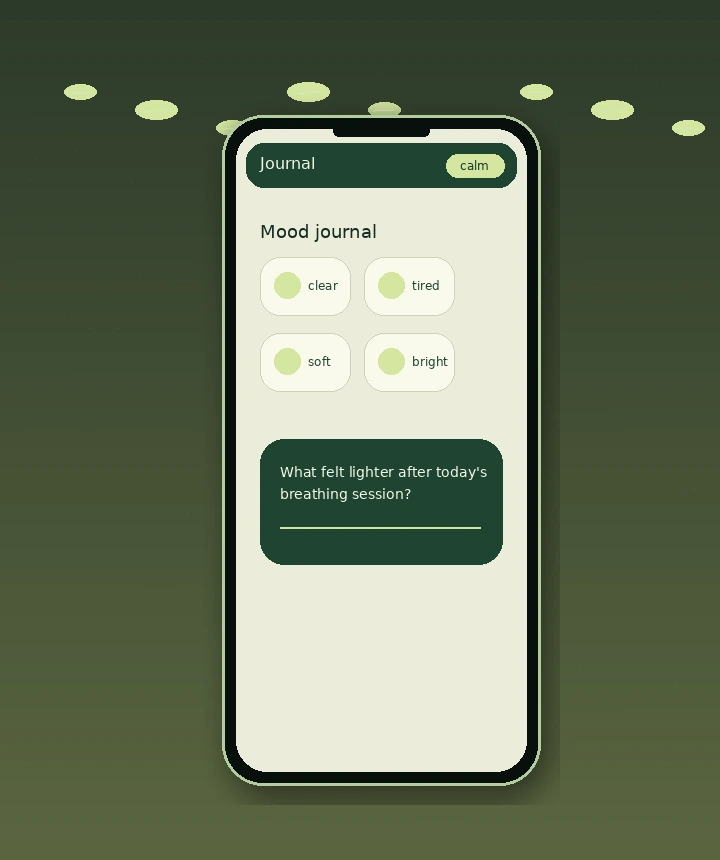
Record how you feel after a practice and watch your progress grow as a quiet garden instead of a stressful streak counter.
How it works
Screenshots
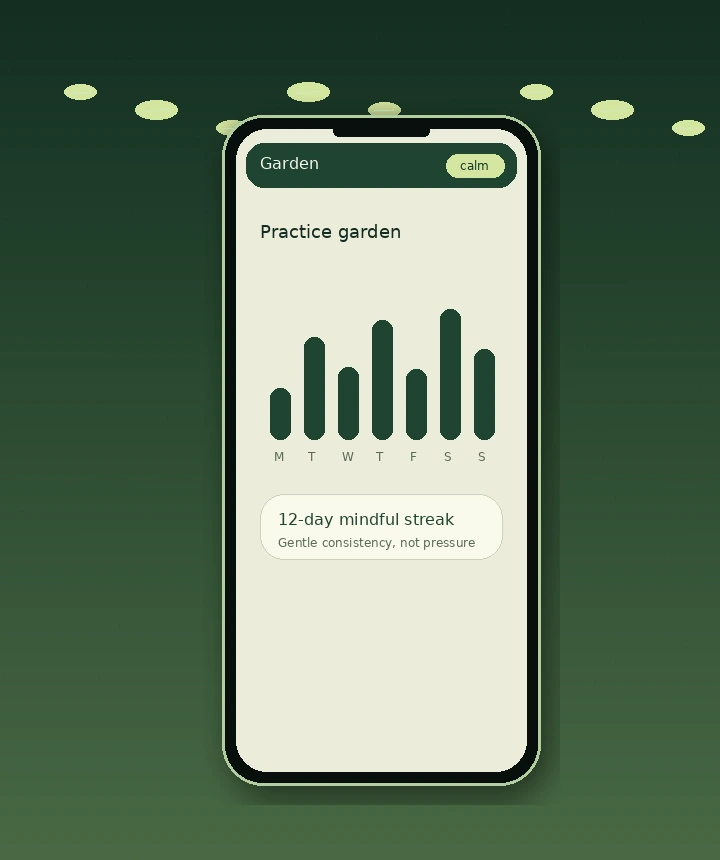
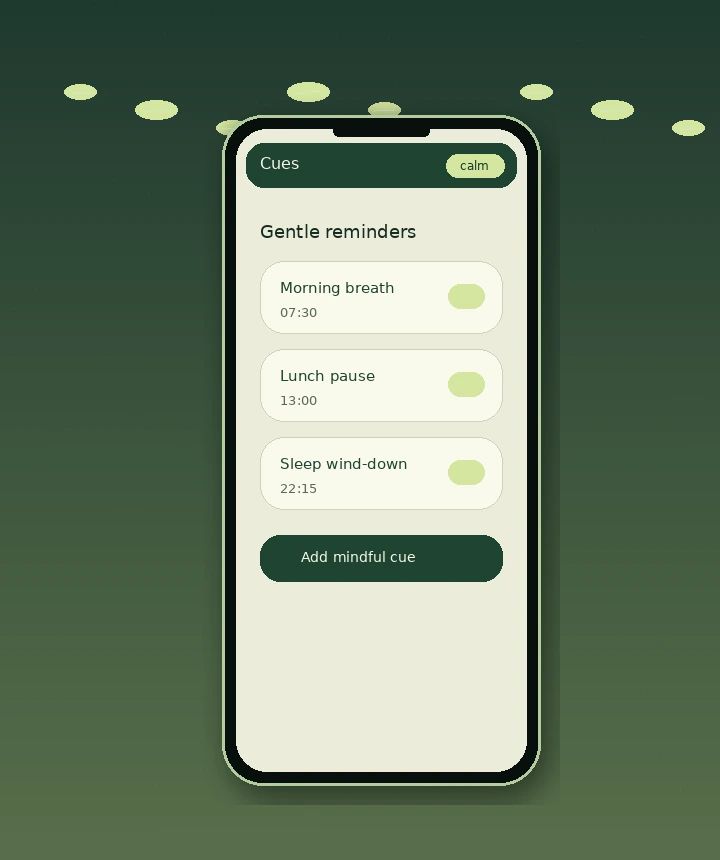
Instead of a busy dashboard, Mellow Forest separates each moment into a clear place: breathe, sleep, reflect, check progress, or set a reminder.
Use cases
Open Mellow Forest before a meeting, after a hard message, while preparing for sleep, or anytime your attention feels scattered.
A short session to begin the day without rushing into notifications.
Gentle guidance for slowing down when your body is still carrying tension.
Soft audio and calm timing help create a cleaner break before bed.
Look back at moods and patterns without turning self-care into homework.
Reviews
“The breathing timer is the first one I actually kept using. It is quiet, simple and not overloaded with stats.”
QuietRunner“I use the sleep sounds almost every night. The app does not feel pushy, which makes it much easier to return to.”
FernNote“The progress garden is a small thing, but it makes mindfulness feel warmer than a checklist.”
SlowMorning“Good for short breaks during work. Three minutes is enough to stop spiraling and start again.”
DeskBreatheDownload
Try Mellow Forest on mobile or continue from the web when you need a short reset at your desk.